


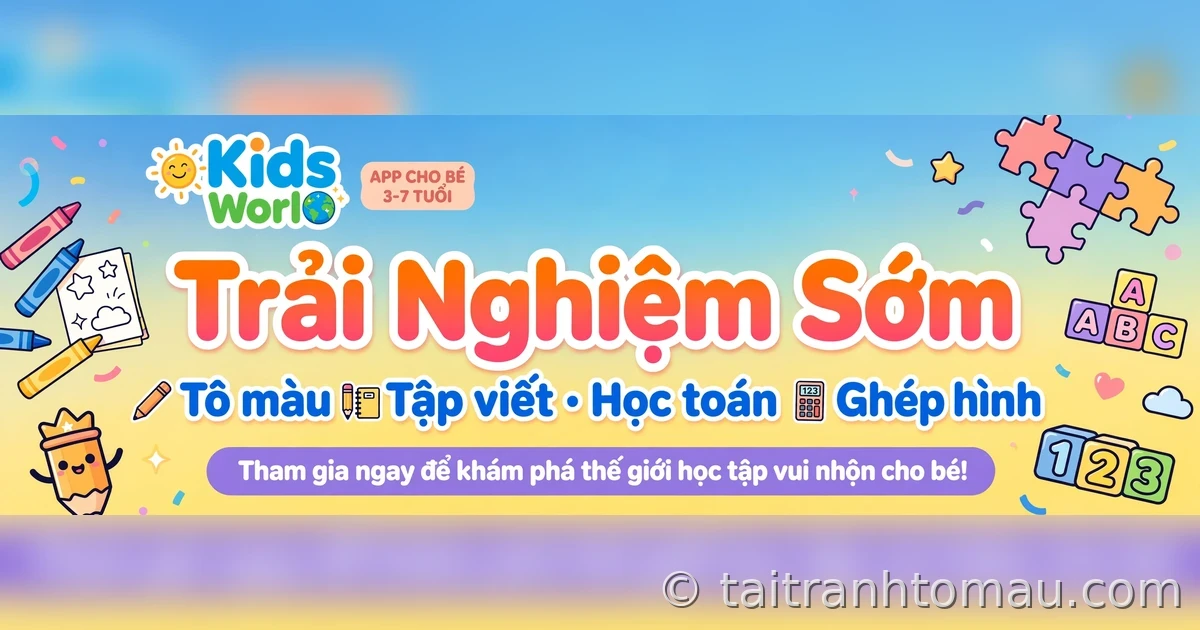
Kids World is not publicly released yet and is now in early access (beta)for Android users. That means you can try it early and send feedback to help the developers polish it before the official launch. The whole process takes just 3 steps: join the test group, open the Google Play link to install, then open the app and play with your child.
Before you start: what do you need?
- An Android phone or tablet Android (the install link is Google Play, so it does not work on iPhone yet).
- A Google account — the account you use to join the test group, and also the account signed in on Google Play when you install the app. These two must match, or Play will not recognize you as a tester.
Step 1: Join the test group
Open the Kids World test group link:
https://groups.google.com/g/apptestingus
Tap Join group (Join group) and confirm. If the group requires approval, wait to be accepted before moving to step 2 — usually only a short wait.
Note: join the group with the exact Google account you use on your phone to download the app. The wrong account is the most common reason Play does not show the install button later.
Step 2: Install the app from Google Play
Once you are a group member, open the app link:
- If Play shows a Become a tester (Become a tester) button, accept it, then tap Install.
- If you just joined the group and Play does not show the install button yet, don’t worry: tester access takes a few minutes to sync. Wait a bit, then open the link again.
- If Play says the app is “incompatible,” check that your phone is signed in with the same Google account you used to join the group, and try opening the link directly in the Google Play app instead of the browser.
Step 3: Open the app and play with your child
Open Kids World — no sign-in needed to play the core content. Try this quick 10–15 minute route:
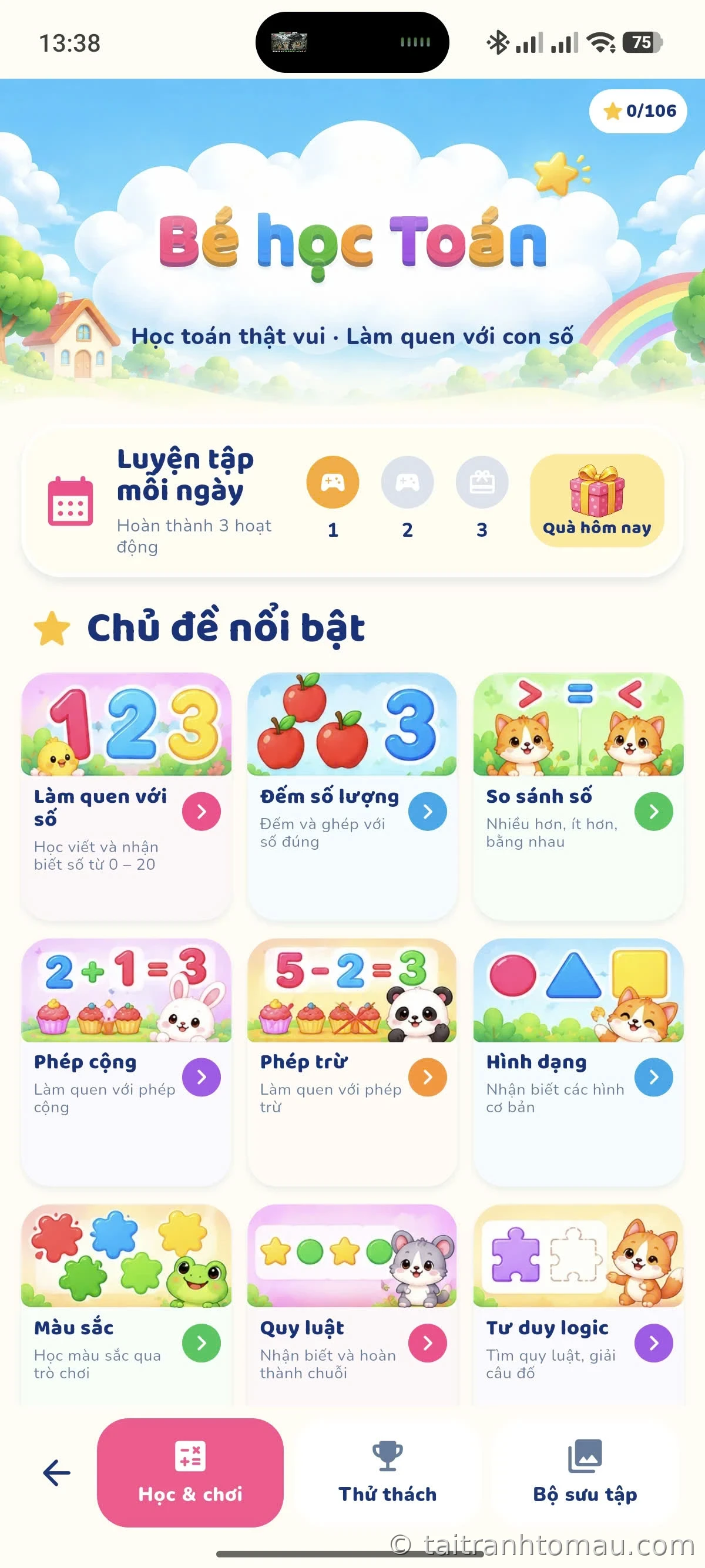
- Coloring: pick a picture, try the color palette, brushes, and stickers, then save the picture to the collection.
- Tracing: let your child try writing a letter following the stroke guides.
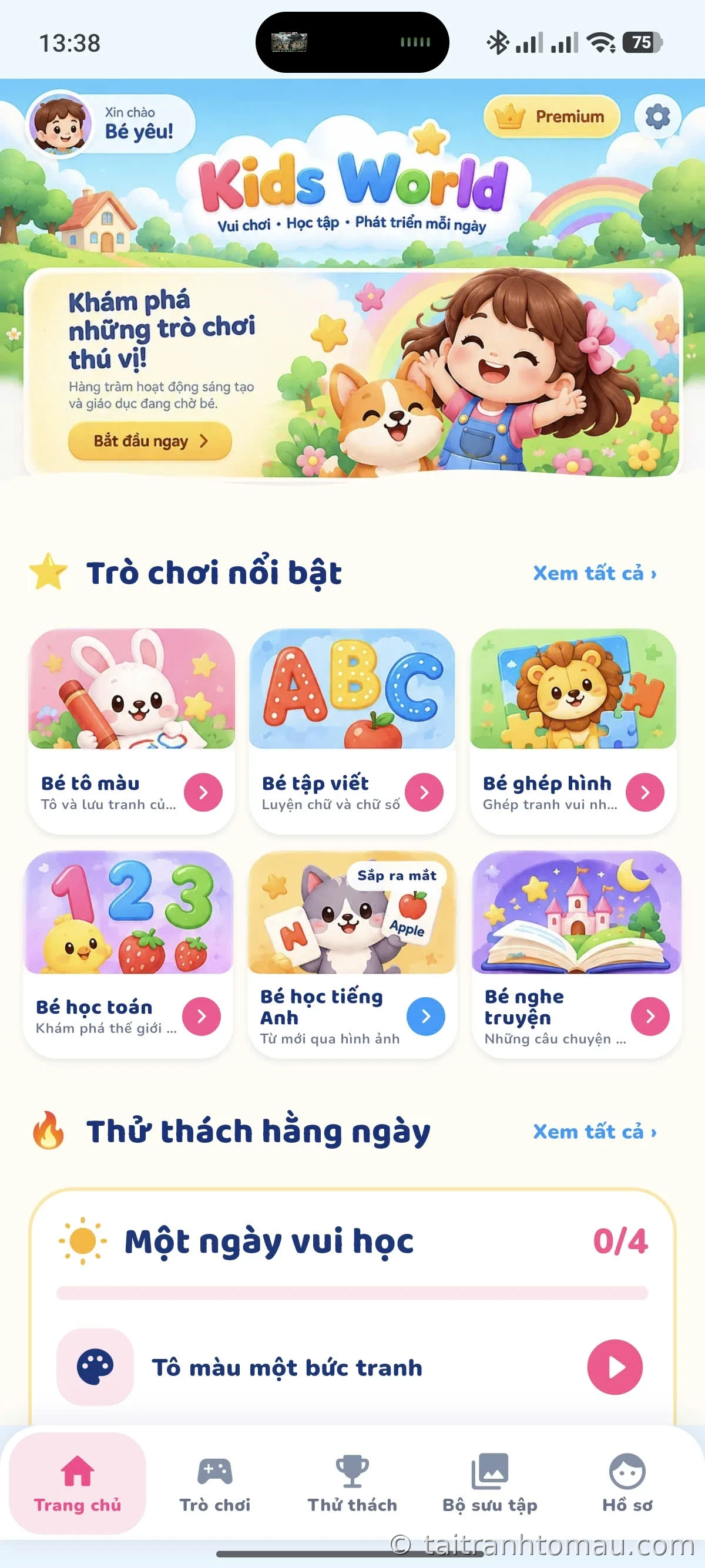
- Math: do a counting or quantity-comparison exercise with pictures.
- Puzzles: try a picture at 4 pieces first, then move up to 9 or 16 pieces if your child likes it.
- Daily challenges: see today’s tasks and the collection where your child’s achievements are saved.
How do I send feedback?
Your feedback is the most important part of the beta. When you hit a bug or have a suggestion, write it in the test group (apptestingus) or send feedback through the app page on Google Play. A good bug report only needs a few lines:
- Device: device name and Android version (for example: Samsung A34, Android 14).
- Problem: what happened, and on which screen.
- Steps to reproduce: what you tapped before the bug appeared.
- Screenshots if you have them — one screenshot is worth more than a long description.
You can also suggest content: which pictures your child liked most, which letters were hard to write, which math problems were too easy or too hard. These suggestions help developers prioritize what to fix.
Leaving the test program whenever you want
You can stop participating at any time: reopen the app link on Google Play, choose Leave the program (Leave the program) and uninstall the app if you like. You can also leave the test group on Google Groups. When Kids World launches officially, reinstall the official version from the same link.
Frequently asked questions
Is early access free?
Yes. The beta is free, and you can leave the program at any time.
Can I join on iPhone?
Not yet. This test round runs through Google Play, so it is for Android devices only.
I joined the group but Play still won’t let me install — what now?
Check 3 things: whether the Google account on your phone matches the one you used to join the group; whether you waited a few minutes for access to sync; and try opening the link in the Google Play app instead of the browser. If it still does not work, message the test group for help.
Is the beta different from the official version?
Possibly. The beta is for finding bugs, so it may be less stable than the official version, and some features (like Kids Learn English or the story listening corner) are still being prepared and will be introduced separately when ready.
When will Kids World launch officially?
No specific date yet. Test participants will be among the first to know — follow the test group and the Kids World intro article for updates.


